 Managed IT Services
 Business Continuity (BCDR)
 Cloud Telephony
 Managed Infrastructure
 Microsoft Azure
 Microsoft Teams Phone
 Cyber Security Services
 Microsoft 365 For Business
 Brisbane
 Aviation
 Healthcare
 Field Service
 Finance
 Manufacturing
 Small Business
 Legal
Legal Travel
Remote Work IT Solutions: Solving Common Challenges for Modern Businesses
February 5, 2024by Levit8 IT Solutions

Remote work is no longer a temporary adjustment. For many Australian businesses, it’s simply part of everyday operations, whether employees work from home, split their week between the office and home, or collaborate across multiple locations.
Yet one misconception still persists: remote work creates IT problems. In reality, it usually exposes weaknesses that were already there.
This guide explores the most common remote work IT challenges businesses face today and …the remote work IT solutions that help organisations build a more secure, productive and resilient workforce, often with the support of a managed IT services provider.

💡 Key Takeaway
Remote work isn’t the problem. It’s the stress test that reveals whether your business processes, security and IT infrastructure are built to scale.
Why Remote Work Looks Like the Problem
When productivity drops or systems become harder to use after a team goes remote, it is tempting to blame remote work itself. The laptop is slow, the VPN keeps disconnecting or someone cannot find the file they need.
But the employee did not become less capable simply because they left the office. More often, the office had been hiding small inefficiencies that were already affecting the business.
A slow system was easier to tolerate when someone could walk across the room and ask for help. An undocumented process appeared manageable while the one employee who understood it was sitting nearby.
Consider a business where one senior employee handles every step of client onboarding from memory. That arrangement may seem workable in the office, but onboarding can quickly stall when that person works from home or takes leave.
Remote work did not create that fragility. It revealed it. Instead of treating location as the problem, businesses can use remote work as a stress test that shows where their processes, infrastructure and security need improvement.
Common IT Weaknesses Remote Work Can Reveal
A few categories of weakness show up again and again once teams start working outside the office.
Poor documentation
When processes only exist in someone’s head, remote work makes that a serious liability. New hires cannot get up to speed without constant hand-holding, and any absence creates a bottleneck.
Legacy infrastructure
Older, on-premises systems built with the assumption that everyone would be sitting in the office often struggle to support remote access cleanly. Performance suffers, or IT ends up building clunky workarounds just to keep things functioning.
Manual processes
Tasks that depended on physical proximity, walking a form to someone’s desk, or a quick verbal check with a manager, do not translate well to distributed teams. They slow everything down and introduce more room for error.
Weak security practices
Shared logins, personal devices with no protection, and a general “it’s fine, we trust everyone” attitude are risky at the best of times. Once your team is logging in from a dozen different locations and networks, that risk multiplies.
Limited IT support
Some small and mid-sized businesses rely on one internal IT employee or informal support from whoever is most comfortable with technology. That approach can struggle to provide consistent support across multiple devices, locations and working arrangements.
Many organisations partner with a managed service provider (MSP) to gain access to specialised expertise without expanding their internal IT team. None of these problems are new. They were simply easier to manage, or easier to ignore, when everyone worked from the same building.
Remote Work IT Solutions for Distributed Teams
As remote and hybrid work become standard, businesses need IT systems that support employees wherever they work. Whether staff are working from home, travelling between client sites or splitting time across multiple offices, the goal remains the same: secure, reliable access to the tools they need to do their job.
Effective remote work IT solutions combine secure access, proactive support and cloud-based collaboration to give employees a consistent experience regardless of location.
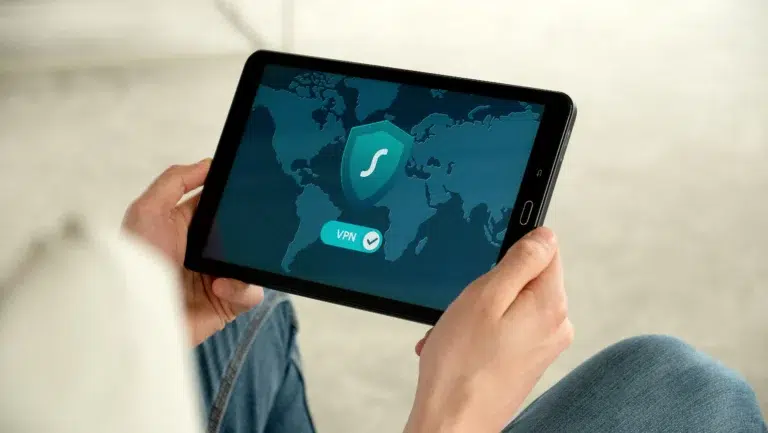
Cloud-based platforms give employees secure access to files and applications from anywhere, while VPNs provide encrypted access to internal systems that still need to remain on-premises.
Remote monitoring and management (RMM) tools allow IT providers to monitor device health, deploy updates and resolve issues before they affect employees. Combined with endpoint management, businesses can also secure, update and remotely wipe lost or stolen devices.
Keeping Company Data Secure
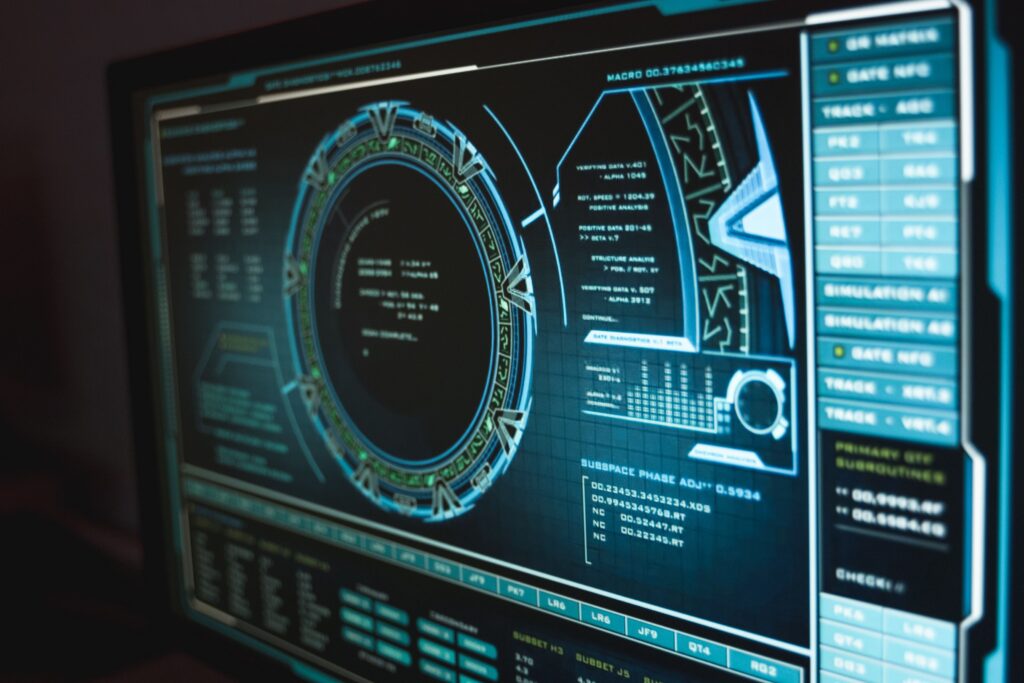
Security is one of the areas where remote work can expose weaknesses most quickly.
Multi-factor authentication (MFA) is one of the simplest and most effective ways to improve account security. If your organisation has not yet implemented MFA, it’s one of the quickest wins for strengthening remote access security.
Microsoft research found that MFA reduced the risk of account compromise by 99.22%, reinforcing its value as a baseline security measure for remote and hybrid teams.
Endpoint protection matters more once devices are being used outside a controlled office network. Antivirus and threat detection tools on every laptop and phone give you a consistent layer of defence, regardless of what network that device happens to be connected to on any given day.
Zero Trust is a security model as much as a technology strategy. Instead of automatically trusting users or devices simply because they are connected to the office network, it verifies each access request based on identity, device health and context. For a distributed workforce, this is more practical than assuming everything inside the network is safe.
Zero Trust works best when it’s part of a broader managed cybersecurity strategy rather than a standalone technology investment.
Device management allows businesses to enforce security policies, deploy updates and protect company data on lost or compromised devices.
For example, if an employee leaves a work laptop at an airport or in the back of a taxi, the IT team may be able to remotely lock or wipe the device before sensitive information is exposed.
Phishing remains one of the most common ways businesses get compromised, and remote employees are often targeted specifically because attackers assume they are less likely to double-check something with a colleague sitting nearby. Ongoing staff awareness, combined with email filtering and proactive monitoring, reduces this risk considerably while helping businesses respond to security alerts more effectively.
Identity management ties all of this together, giving your business a single, consistent way to control who has access to what, and to revoke that access quickly when someone leaves or changes roles.
Providing Fast IT Support
Slow IT support is frustrating in an office. It is worse for remote employees, who cannot simply flag someone down in the hallway.
Modern remote monitoring tools allow IT providers to identify and resolve many issues before employees even notice them. When problems do arise, remote troubleshooting enables technicians to diagnose and fix devices without needing to be on-site.
A structured help desk and proactive maintenance strategy ensure issues are tracked, prioritised and resolved efficiently. Regular monitoring, patching and preventative work also reduce the likelihood of avoidable downtime.
Standardising Business Processes
Standardised processes are one of the most important foundations of a remote-ready business, yet they are often overlooked.
Technology can support great processes. It cannot replace them. The most successful remote and hybrid businesses are rarely the ones with the most expensive software. They’re the ones with clear documentation, repeatable processes and systems that don’t depend on one employee’s memory.
Documentation is the foundation of a remote-ready business. When key processes are clearly documented, businesses reduce their reliance on individual employees while making onboarding faster and more consistent for new team members, regardless of where they work.
Knowledge sharing and standard operating procedures (SOPs) help ensure information is accessible across the business rather than remaining with a handful of employees. This creates more consistent outcomes and reduces disruption when staff are unavailable.
Password managers reduce the risks created by shared or reused credentials. Collaboration platforms such as Microsoft 365 give employees a consistent place to access documents, communicate and work together wherever they are based.
Together, documented processes and consistent tools reduce operational bottlenecks and help the business continue running when individual employees are unavailable.
Supporting Business Growth
Getting remote and hybrid work right isn’t just about supporting today’s workforce. It also creates a stronger foundation for future growth. As businesses grow, investing in scalable remote work IT solutions helps maintain productivity, strengthen security and support employees without increasing operational complexity.
Managed IT support gives growing businesses access to specialist expertise without the cost of building a large internal team. Choosing the right managed service provider also makes it easier to scale securely as your business grows.

Core Remote Work IT Solutions to Consider
The right mix of remote work IT solutions depends on your existing systems, security requirements and working arrangements. However, the following technologies commonly support secure access, collaboration and proactive IT management for remote and hybrid teams.
Microsoft 365 for Cloud-Based Productivity
Microsoft 365 provides a central platform for email, documents and collaboration, allowing employees to work from the same source of truth wherever they’re located.
Microsoft Teams for Collaboration and Communication
Microsoft Teams brings together chat, meetings and collaboration into a single workspace, helping remote and hybrid employees stay connected without relying on email alone.
Microsoft Azure for Secure Remote Access
Microsoft Azure provides secure cloud infrastructure that allows employees to access business systems safely from virtually any location.
Endpoint Management for Device Security
Endpoint management helps businesses secure, update and manage work devices remotely, reducing the risk of data loss if a device is lost, stolen or compromised.
Remote Monitoring & Management for Proactive Support
Remote monitoring and management (RMM) tools help IT providers proactively monitor devices, identify issues early and resolve problems before they affect productivity.
Build a Business That Works from Anywhere
Remote work does not create weak systems. It reveals where processes, security and IT support need improvement.
Businesses that invest in secure cloud platforms, documented workflows and proactive support are better equipped to keep employees productive wherever they work. Many organisations achieve this through ongoing managed IT services that proactively monitor, secure and optimise their technology environment.
If you’re reviewing your current setup or looking for practical remote work IT solutions, Levit8 can help you strengthen security, improve productivity and build an IT environment that supports your team across every location.
Author
Levit8 IT Solutions
Levit8 is a leading Australian managed IT services provider, helping businesses across industries improve performance, boost security, and scale confidently through smart, reliable technology. With a passion for efficiency, security, and client success, our local team delivers expert support, enterprise-grade solutions, and a no-nonsense approach to IT. We empower small and mid-sized businesses with future-proof systems, robust cybersecurity, and seamless support—so technology becomes an asset, not a headache.